All your components, inventoried and in one place.
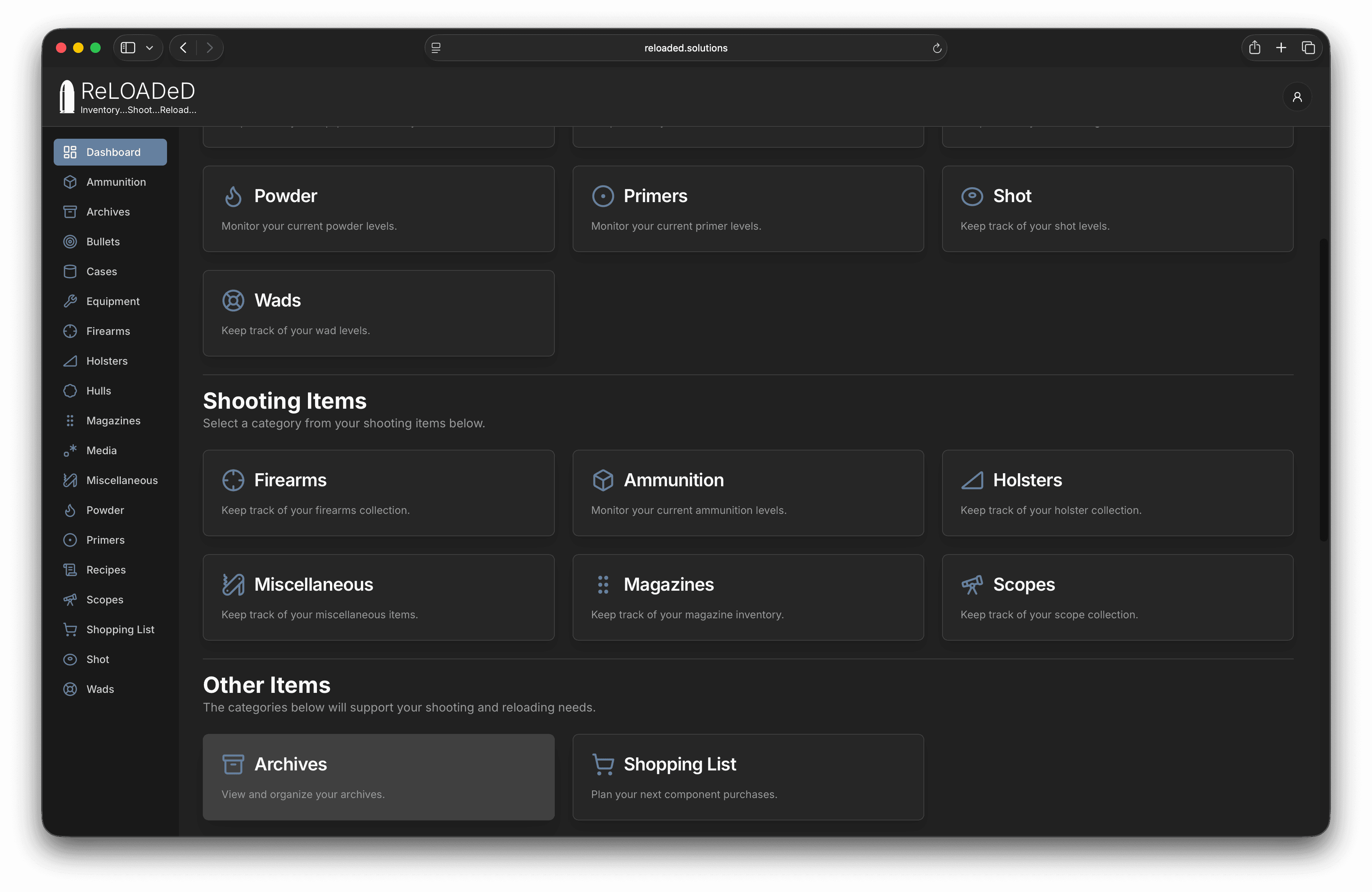
Track ammunition, firearms, powder, primers, cases, bullets, hulls, shot, wads, and equipment in one connected workspace.
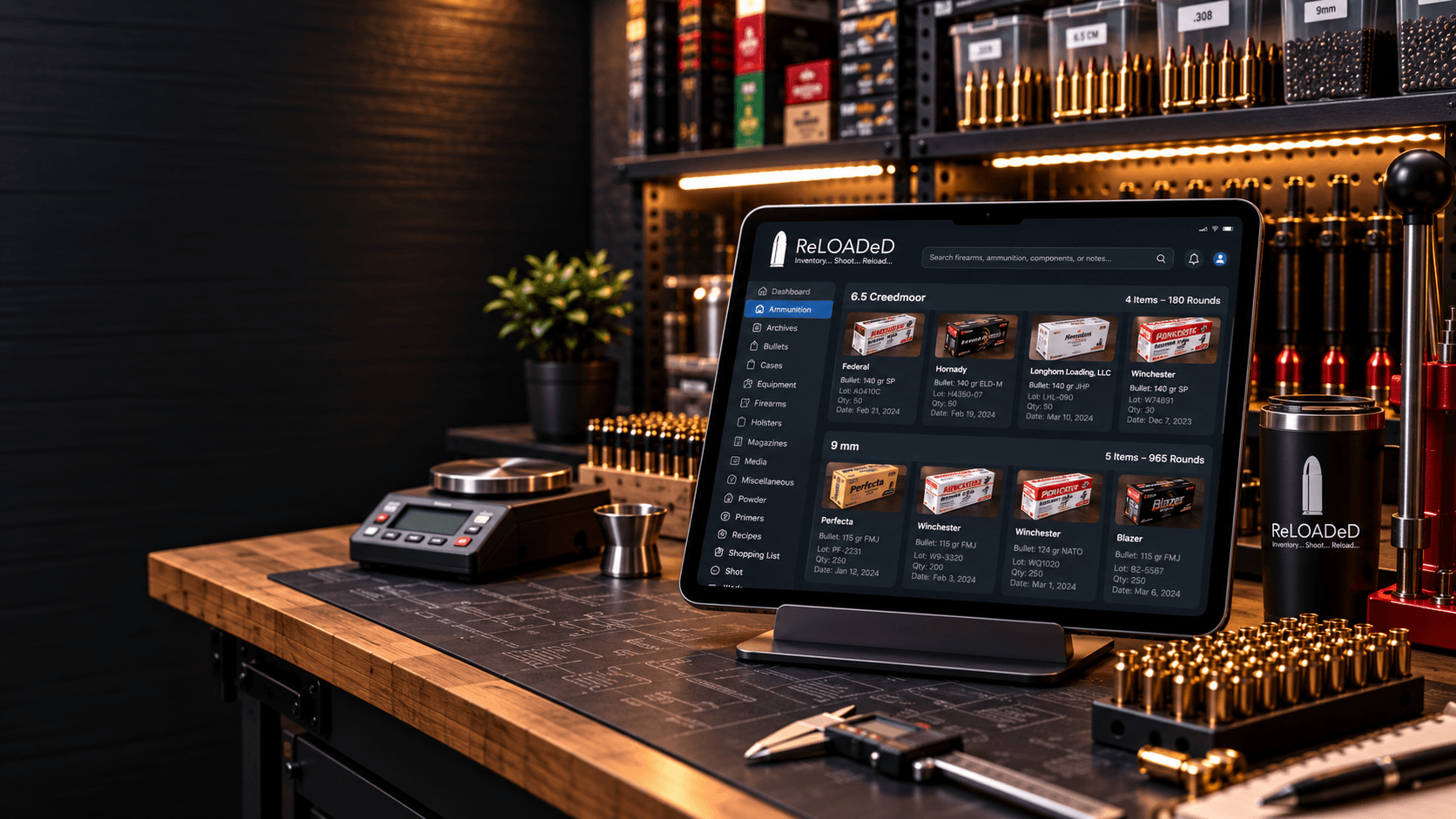
Purpose-built for serious reloaders
ReLOADeD brings components, recipes, firearms, records, and reports into one precise inventory system that works wherever you do.
A Clearer Way To Reload
Less time reconstructing notes. More confidence in what is on hand, what it costs, and what comes next.
Track ammunition, firearms, powder, primers, cases, bullets, hulls, shot, wads, and equipment in one connected workspace.
Build recipes from live inventory, record performance notes, and keep component costs visible as your supplies change.
Attach inventory photos, receipts, labels, and PDFs directly to the records where you will need them later.
Create reports and export and import your data in CSV or SQL formats. Import Legacy Data from the iOS ReLOADeD Ammo app. Keep your data safe.
Inventory at a glance
Scan quantities, values, recent changes, and low-stock alerts from a dashboard designed for repeat use, not decoration.
Explore Ammunition Inventory Tracking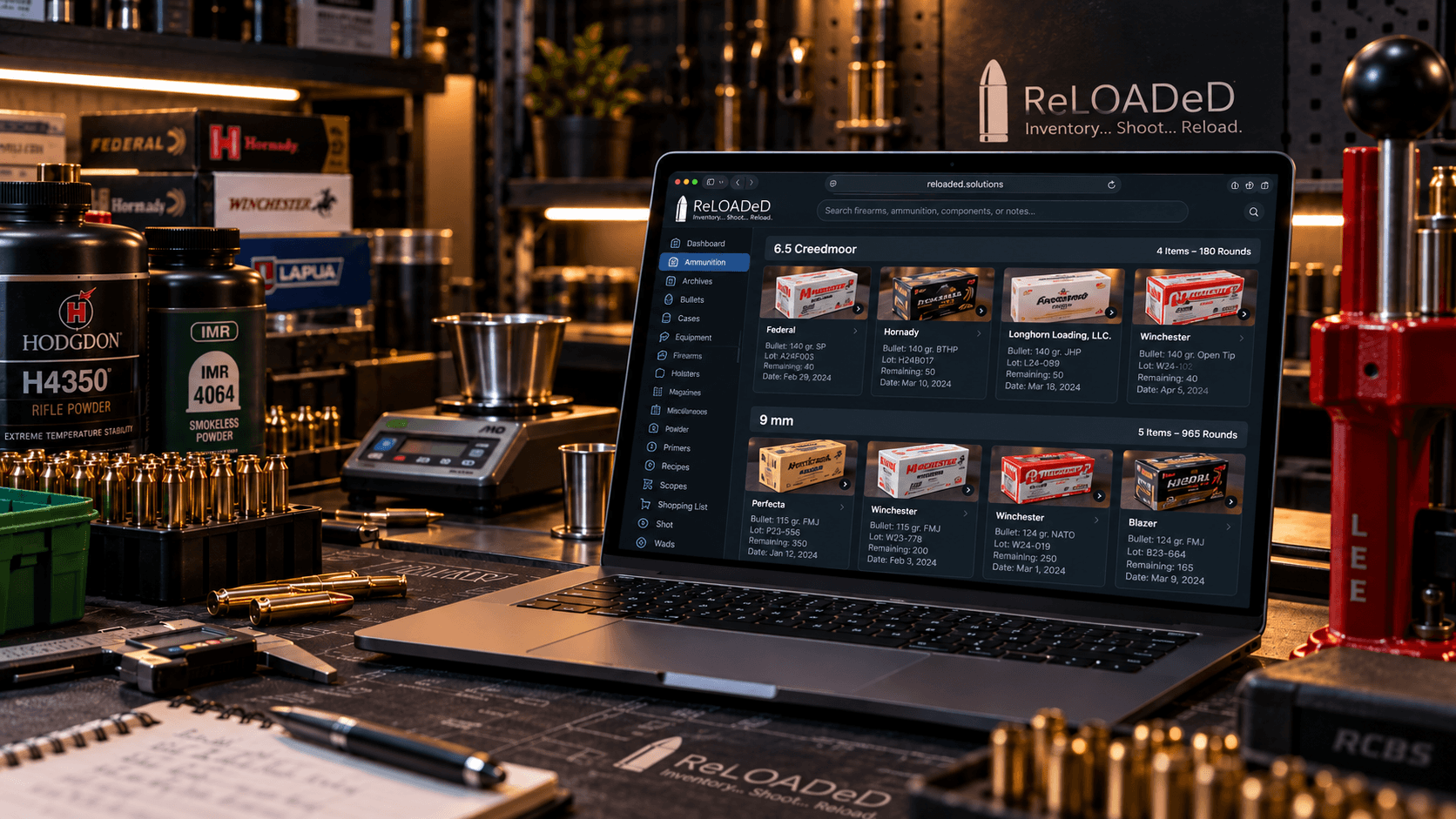
Connected recipes
Keep charge details, component relationships, costs, notes, images, and performance history together from first test to trusted load.
Explore Recipe Management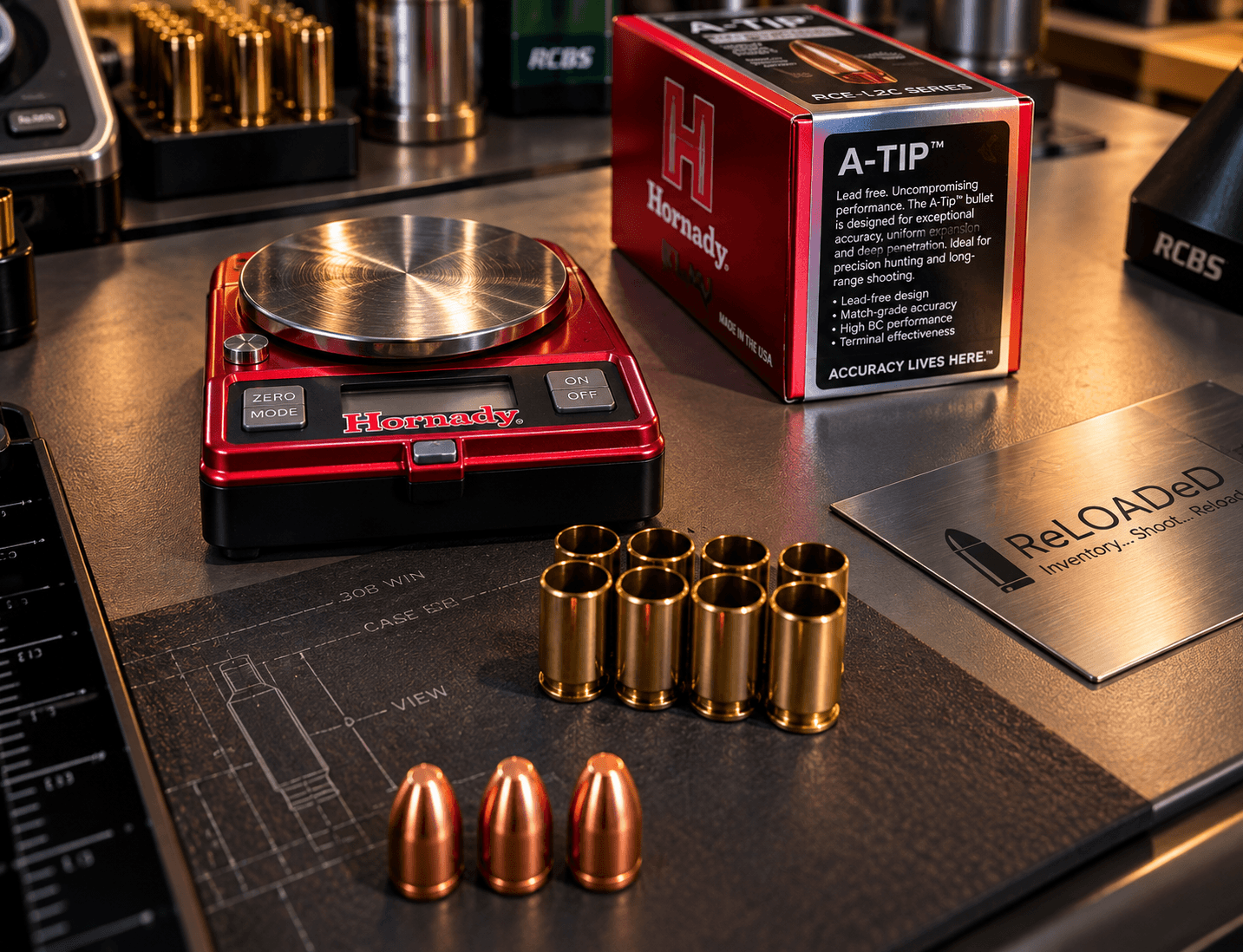
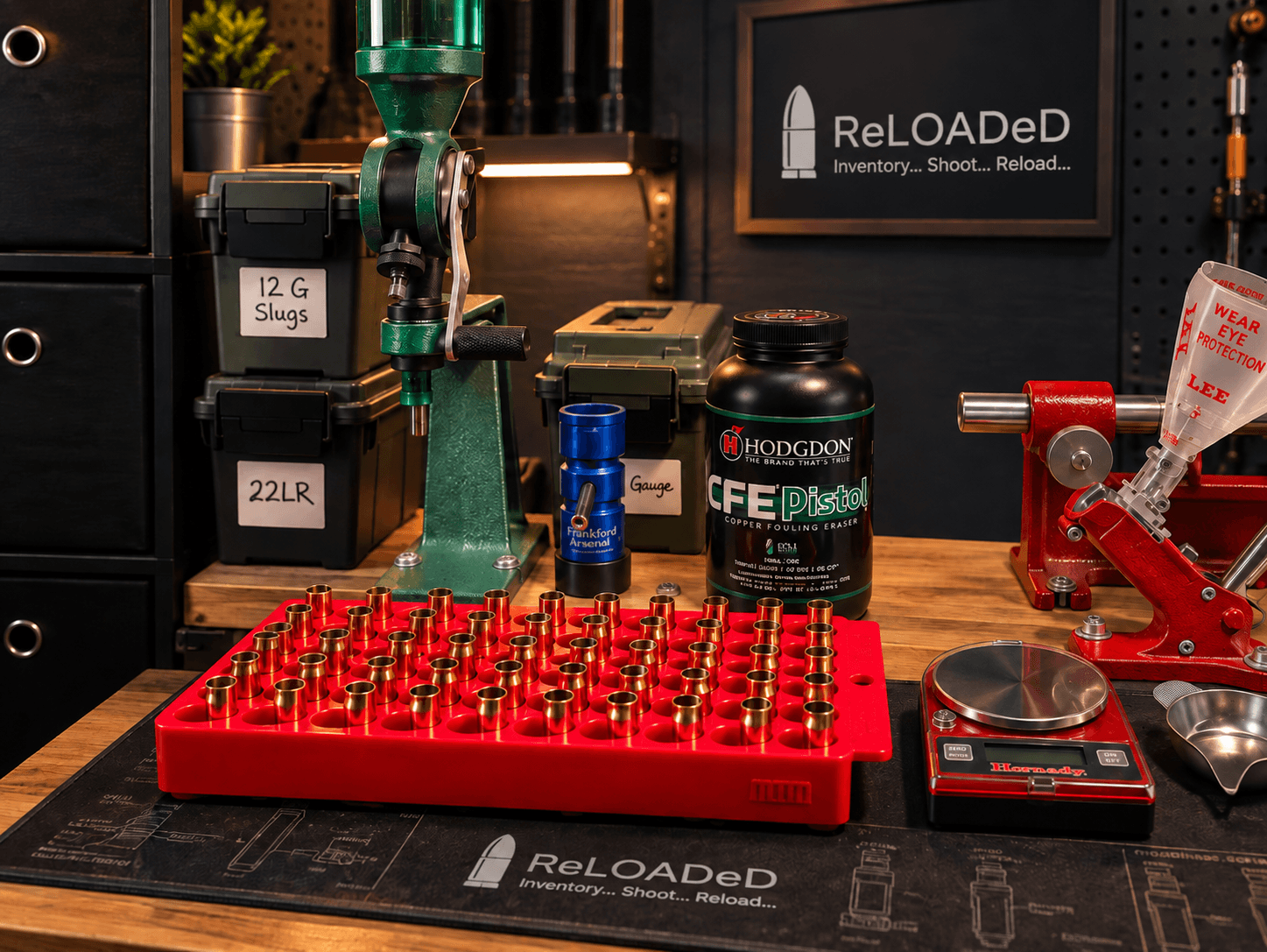
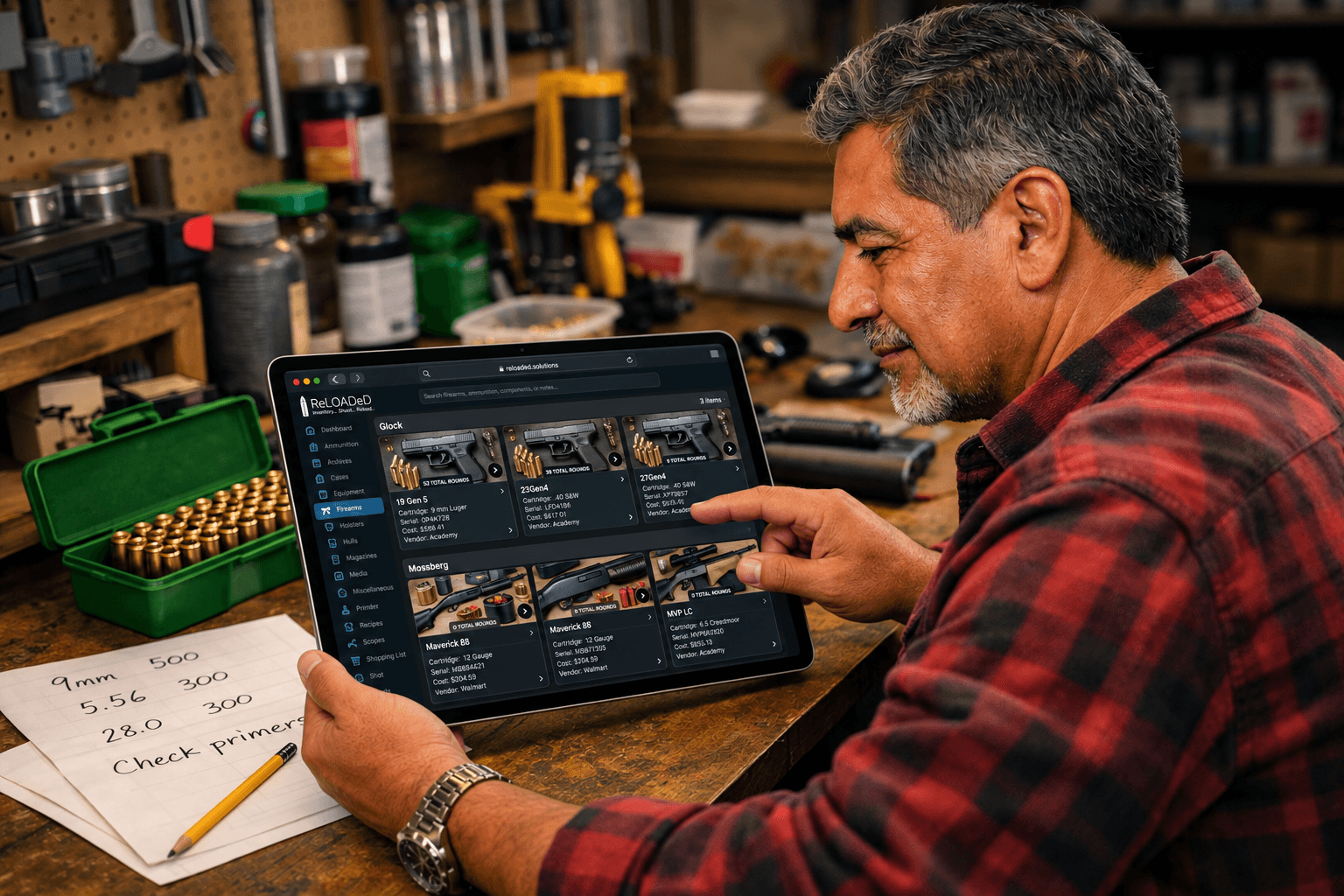
Firearm collection
Organize firearms with their compatible cartridges, magazines, holsters, scopes, values, and service history, so the details are ready when you need them.
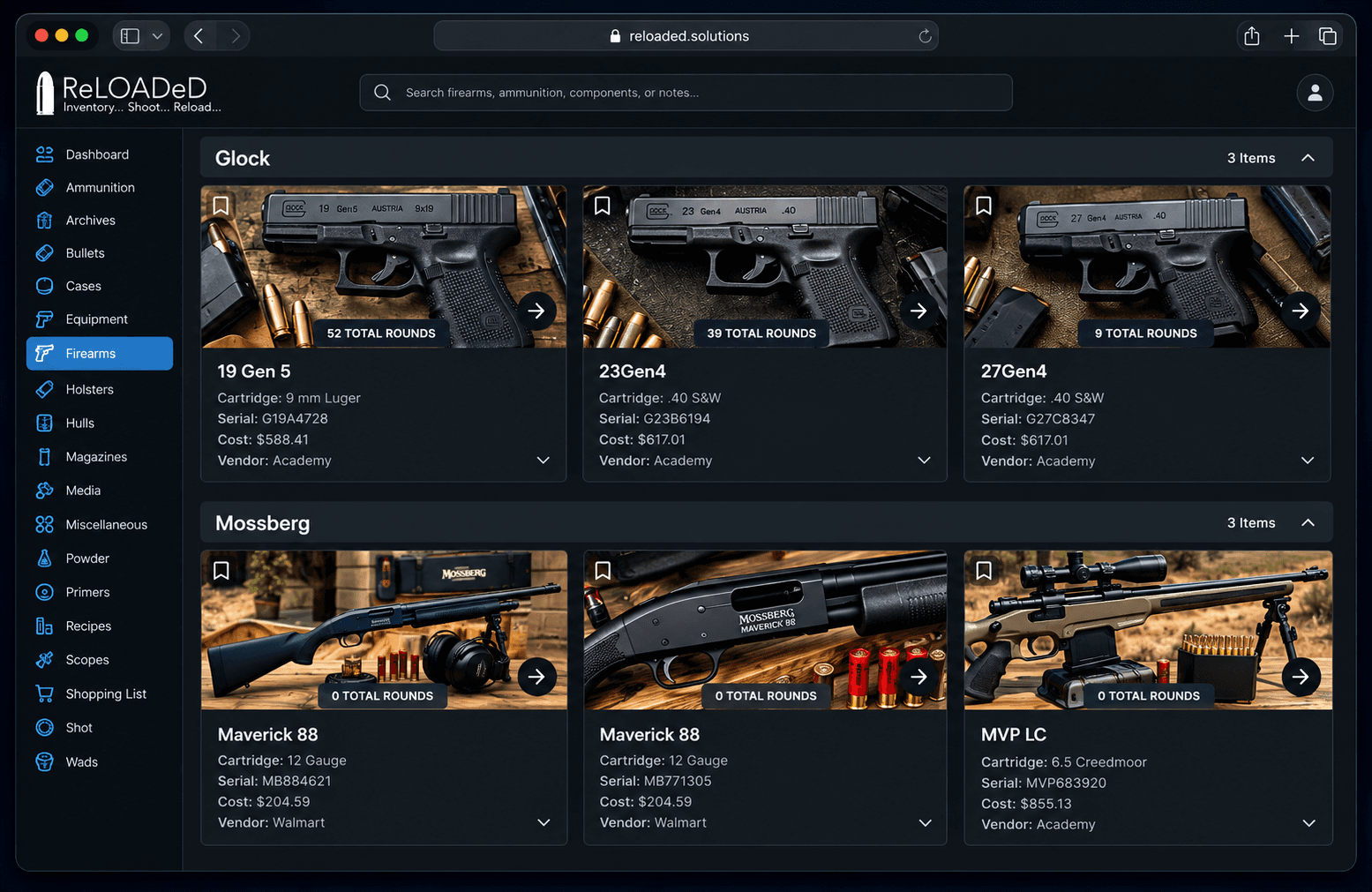
Reports across your workspace
Generate focused reports for ammunition, components, firearms, and supporting gear whenever you need a clear inventory snapshot beyond the screen.
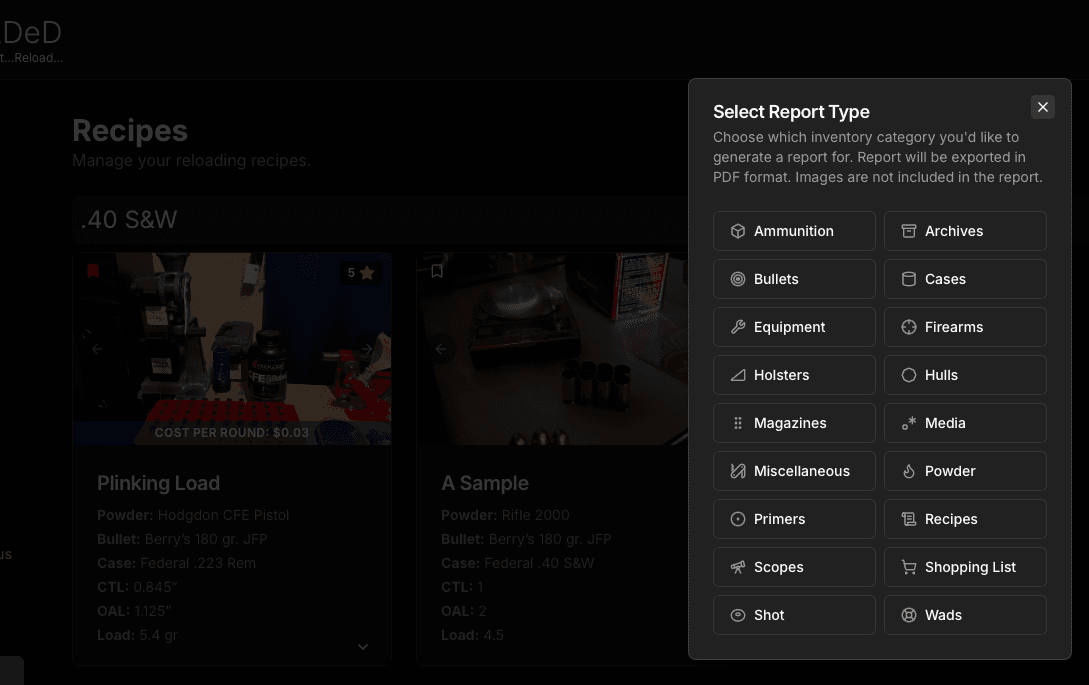
Your records remain yours
Access your workspace across devices, export your records, and keep the supporting files that make the data meaningful. ReLOADeD is built to replace scattered notebooks without locking away your work.
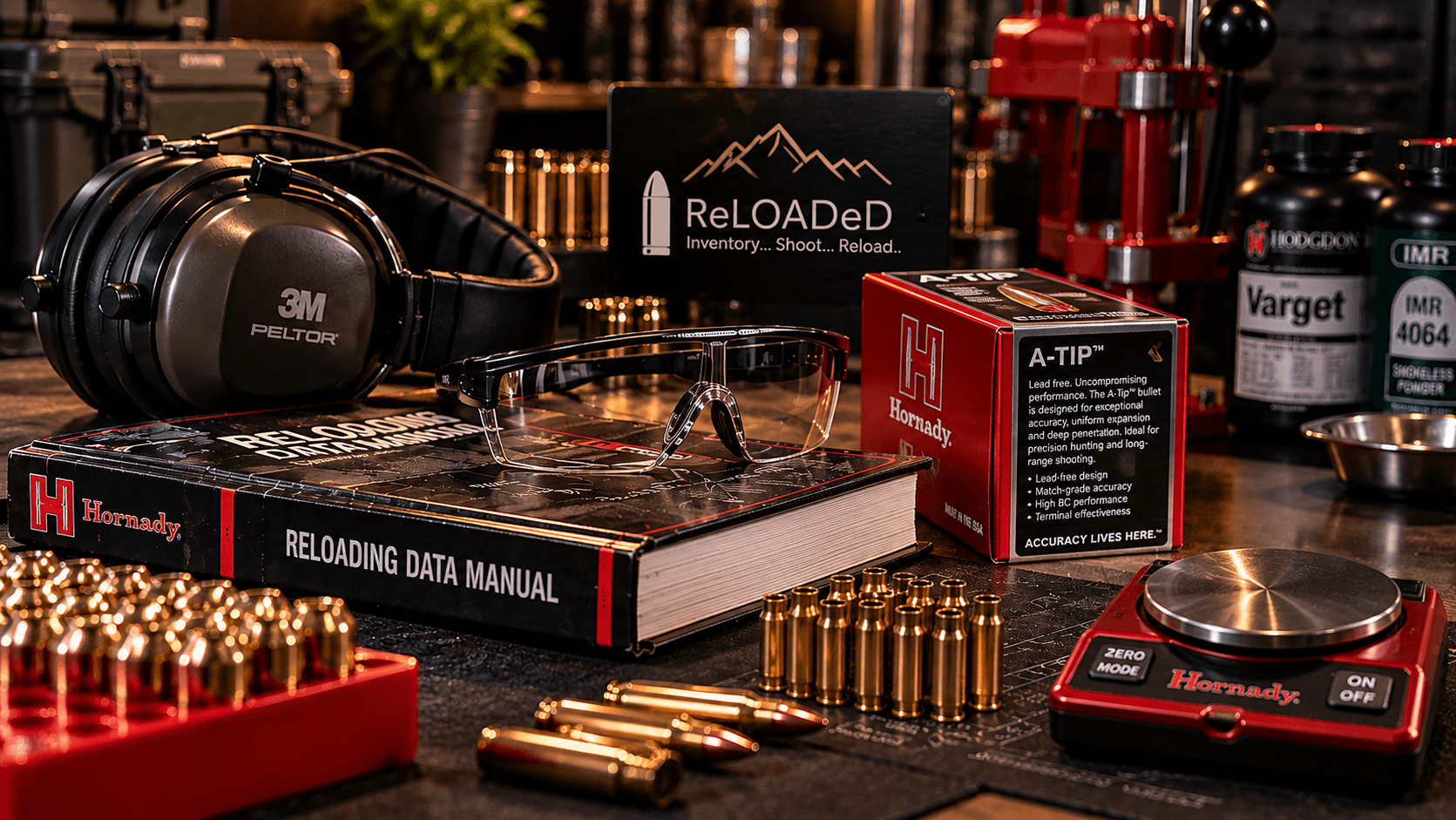
Safety is not optional
Reloading ammunition carries serious risk. Always use current published load data, follow component manufacturers' instructions, begin with recommended starting loads, wear appropriate protection, and stop when anything looks wrong. The user assumes all responsibility for component selection, process, and results.
We're here to help
Have a question or need help getting started? Reach out for support.
reloaded@poifjeni.resend.app